Google Ads Conversion Tracking: A 2026 Checklist
Every bid strategy depends on accurate conversion data. Our checklist for enhanced conversions, Consent Mode, values and offline imports.

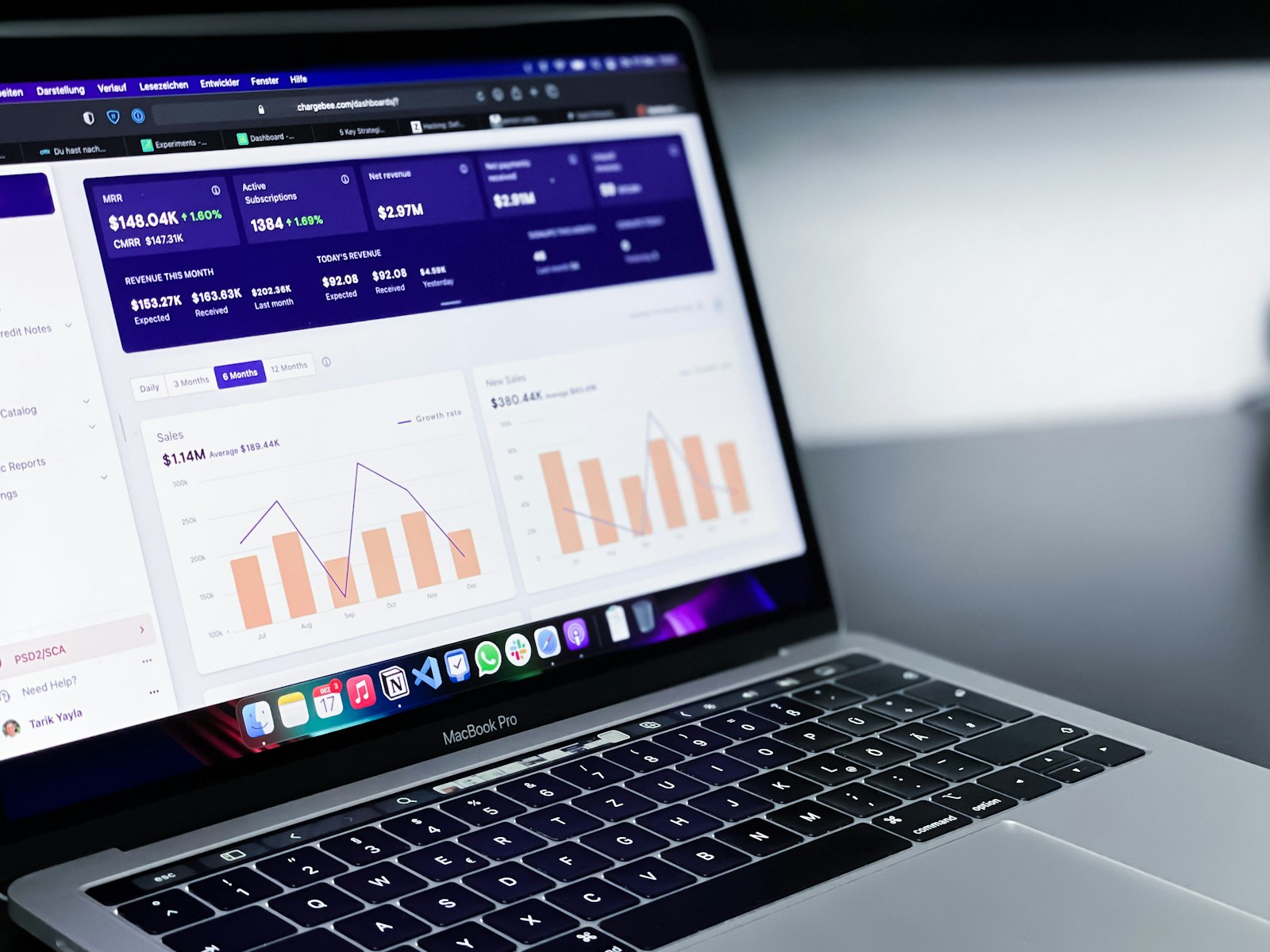
If we had to pick one thing that separates profitable Google Ads accounts from the rest, it would be conversion tracking. Every automated bid strategy, every Performance Max campaign and every report you read depends on it. When tracking is wrong, everything built on top of it is wrong too. Here is our checklist for getting conversion tracking right in 2026.
Decide what a conversion actually is
Start with the business, not the tag. What actions lead to revenue? For an ecommerce store that is a purchase. For a service business it is usually a qualified enquiry, a booked call or a phone call over a certain length. Make those your primary conversions. Softer actions such as newsletter sign-ups, brochure downloads or add-to-carts can be tracked as secondary conversions so you can see them without letting them steer your bidding.
Google Ads tag or Google Analytics 4?
You can track conversions with the native Google Ads tag or import key events from GA4. Both work. The native tag is generally faster and more precise for bidding, while GA4 imports are convenient if your analytics setup is already solid. The important thing is to choose one source per action. Counting the same purchase from both is one of the most common causes of inflated results we find in audits.
Turn on enhanced conversions
Browsers and privacy settings increasingly block cookies, which means some conversions go unrecorded. Enhanced conversions securely send hashed customer data, such as an email address from a checkout or lead form, so Google can match more conversions back to the ad that caused them. Setup is straightforward through Google Tag Manager or the Google tag, and it typically recovers a meaningful share of missing conversions.
Implement Consent Mode correctly
If you have visitors from the UK or EU, Consent Mode v2 is required for full measurement and remarketing. It lets your tags adjust based on each visitor’s cookie choices and allows Google to model conversions from users who decline. Make sure your cookie banner is properly connected, not just displayed.
Pass real values
For ecommerce, send the actual order value with each purchase, not a fixed number. For lead generation, assign values that reflect how much each type of lead is worth to you on average. A quote request for a large project is not worth the same as a general question. Values let you use value-based bidding, which consistently outperforms counting every conversion equally.
Bring offline results back into Google Ads
For many businesses the real outcome happens after the click: a sales call, a signed contract, a paid invoice. Offline conversion imports (and enhanced conversions for leads) let you feed those results back from your CRM. Once Google knows which clicks turned into customers, it can optimise towards more of them rather than towards anyone who fills in a form.
Track phone calls properly
Calls are often the most valuable leads for local and service businesses. Use call assets with call reporting, track calls from your website using Google forwarding numbers, and set a minimum call length so short or accidental calls do not count.
Check your settings
- Count: use “One” for leads so repeat form fills from the same person do not inflate numbers, and “Every” for purchases.
- Attribution model: data-driven attribution is the default and the right choice for most accounts.
- Conversion window: match it to your sales cycle. A longer consideration period needs a longer window.
Test before you trust
Use Google Tag Assistant to confirm tags fire once and only once, place a test order or submit a test lead, and check the conversion appears in Google Ads within a day. Then compare Google Ads numbers with your own records from the shop, CRM or inbox. They will never match perfectly, but large gaps signal a problem.
The bottom line
Accurate conversion tracking is the foundation of everything else in Google Ads. It takes an afternoon to audit and can transform how well automation performs. Every new client at WeWebMedia starts with a tracking review, and it is usually where we find the biggest early wins.